


How to
Understanding gain staging
Moeneeb Galant | 14 Jul 2014 9:48 AM
Have your ever recorded some audio tracks, bounced some virtual instrument pieces that you have triggered via midi and proceeded to mix the song? Sound simple enough, right?
Well, do you ever find yourself having to pull all of your faders down because you were clipping (the Vu meter hits the red/ >=0db)? Or, you start mixing and find that halfway through your mix that there are tracks that are so pushing close to 0db, yet you cannot hear them because everything else in the mix is too loud? There are ways to avoid this and it is called 'gain staging'.
Some history and definitions
The first question that one would ask is: what is gain staging? I would say that there are two answers to this. In the analog world, where there was always noise and distortion due to things like noisy power supplies, tape distortion, etc., engineers would always record as close to zero on their mixing consoles. This would allow the added noise and distortion to be nearly none existent to the human ear. Hence the definition of gain staging in the analog world is as follows: "Gain staging is the process of managing the relative levels in a series of gain stages to prevent introduction of noise and distortion."
Currently, in our digital age, we are using a medium where there is virtually no noise floor i.e. there is no inherent noise or distortion added when we record into our 24-bit digital audio workstations (DAW). The appropriate definition for digital would then be: “Ensure that you feed an appropriate level from the first stage of your signal path to the next.”
Both of the above-mentioned definitions apply to the analog world. Why do young engineers find it so difficult to "control" their meters in the digital domain? Let us first explore the differences between the meters on an analog console and in our DAW’s mixer.
Analog versus digital meters
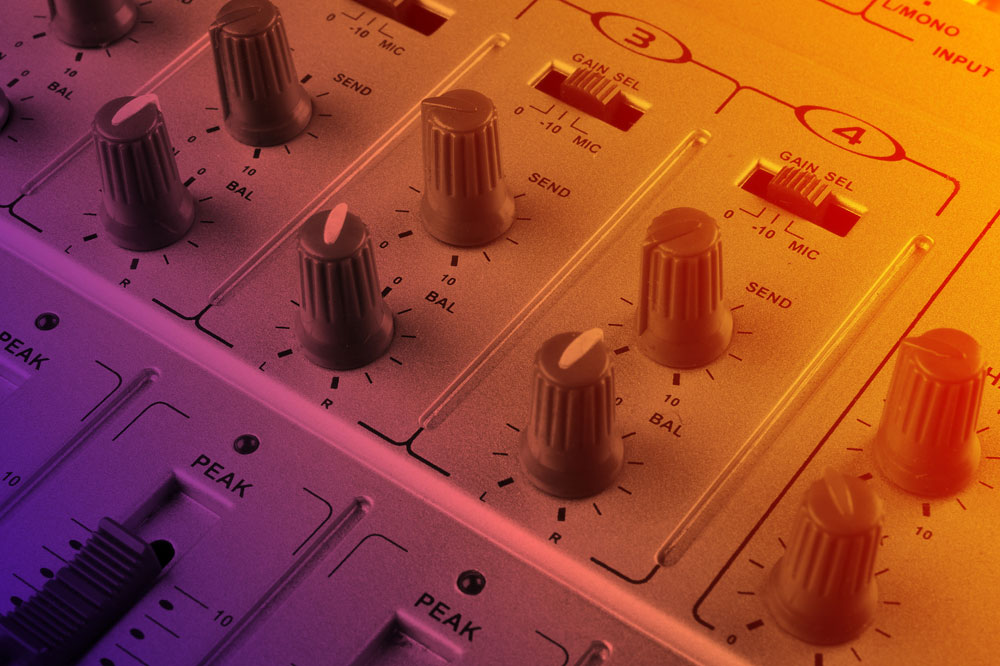
Let’s cut to the chase – the meters on analog consoles use 'VU' as a unit of measure. This is different to that used in modern DAW’s. The mixer meter in your DAW is measured in DBFS (digital full scale). The obvious truth is that you cannot max out your meters in digital like you do/did in the analog world.
Some context:
- 0Vu on an analog desk = -20dbfs in a DAW mixer
- 0Vu in the analog domain is equal to +4db
Think about this for a second: why do professional mixers gain stage each track before they even push a fader up? It’s simple, 0Vu also has a voltage value to it = 1.23volts. This also happens to be the exact voltage required to optimally use analog equipment such as equalisers, compressors, gates, etc. on your tracks. Why 1.23volts you might ask; well this was the exact voltage required to run through analog equipment to mask noise floor created by the actual equipment, but also left enough headroom above that to optimally process the audio and provide a good output signal free from the noise.
But wait!
You all work in the computer now, right? Should it not be different for digital? The answer is a simple no! Most people love to own some vintage analog audio processing rack equipment, but it is just way too expensive. However, the analog modelling algorithms in the digital domain are absolutely fantastic. Hence, we all buy plugins that are analog emulations of vintage equipment (Waves, Universal Audio, and Slate Digital). What we do need to understand though, is that all of these are modelled using that same reference voltage i.e. 1,23 volts. This obviously means that we also need to gain stage our tracks so that they can be optimally used and processed by these plugins.
It is as simple as that.
How to gain stage in your DAW
Whichever DAW you use, this will be possible to do:
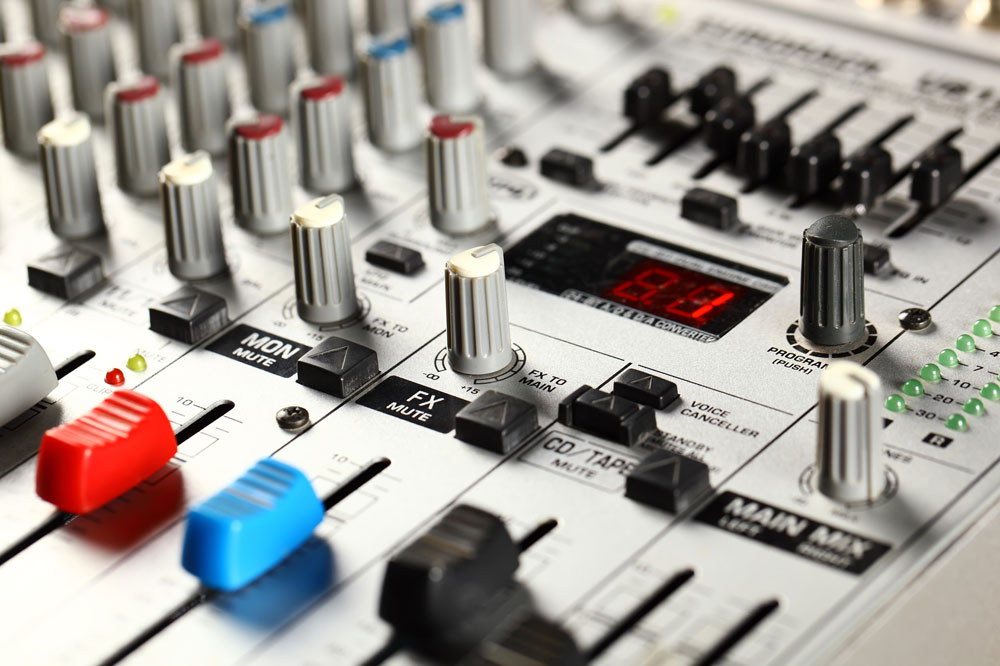
- Set your DAW’s meter setting to "pre-fader" (this means, we will be measuring/reading meters Db/voltage before the signal hits the volume fader on each track - remember, your plugins are pre-fader so we cannot gain stage with post-fader metering for this).
- Add the first insert in your mixer, insert a gain plugin (these are named differently in different DAWs eg. Gain or Trim Plugin).
- Adjust the tracks meter, by either increasing or decreasing the gain/trim on the plugin, so that it peaks at about -20dbfs.
- Repeat for each track in your mix window.
Yes, I am sure that you all are reading this and saying, "But then everything will be soft!" Have you ever heard of a master volume knob? It is this strange little knob or fader that we use to increase the overall volume of our speaker/monitoring system. Your home theatre has one, heck even your car has one! Use it!
I will not apologise for that little rant of sarcasm. I just find it absolutely ridiculous that people complain about individual tracks being low in volume. Instead of turning up their overall volume, they want to increase it for each and every track so that each one is hitting 0db.
The truth is, once your mix is gain staged correctly, your resulting mixes will actually sound louder!
Try it
Again, don’t just take my word for it. Go try it out and hear it for yourself. Will it make your mix time a little bit longer, yes it will. Just remember that the professionals have interns who do all of this preparation work for them. So do your preparation and reap the rewards.

[Moeneeb Galant]
Moeneeb Galant is a music producer, songwriter & engineer, in the business for almost 10 years. He has worked with artists such as; Jarrad Ricketts, Clint Brink, Lloyd Jansen; Chad Saaiman and Ebrahiem Inglis. Founder of Gimme Moe Productions, Moeneeb focuses on recording, production, composing, voice-overs, editing, mixing and mastering.